

AI at home
1. Start at the kitchen table
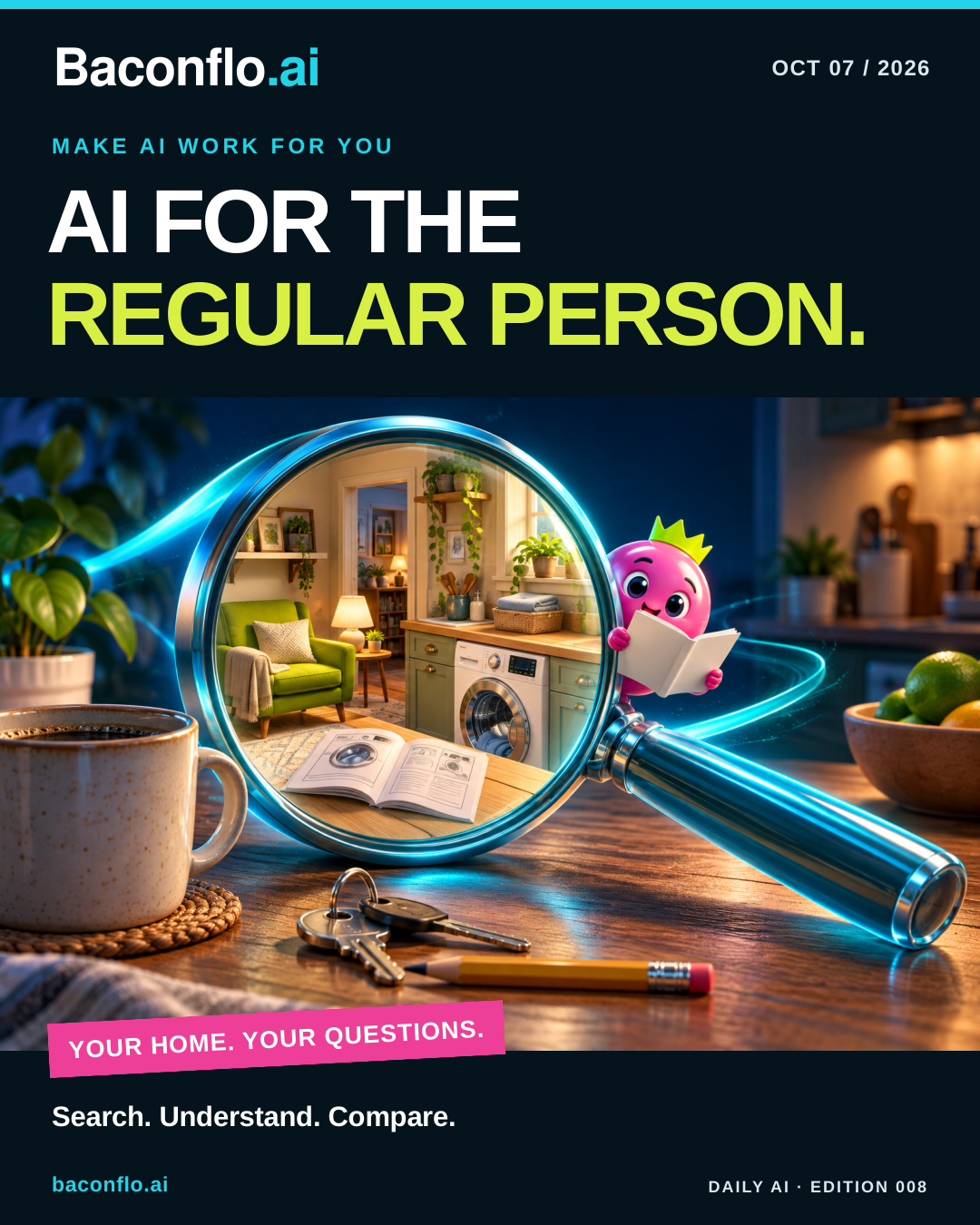
MAKE AI WORK FOR YOU: Which bin takes that container? What does the washing-machine manual mean? Everyday questions are a perfectly good entrance to AI. Start with Gemini, the Wegmans AI Assistant for meal ideas, or Alexa for Shopping inside Amazon. AI is already turning up in apps and websites you use. Give those features a try. Below, I’ll show you how a conversation, an appliance manual and a shopping question can become useful starting points. If you’re unsure where to begin, just ask a question. Add a detail, ask a follow-up and see where the conversation takes you.
Google: getting started with Gemini · Wegmans: AI Assistant for meal ideas · Amazon: shopping assistant
2. Ask Gemini the whole question
Gemini is Google’s AI assistant. Open the Gemini app or visit gemini.google.com and ask in your own words: “Explain the square-with-a-circle laundry symbol in plain English. What do its dots mean?” Follow with “Make that simpler” or “Where can I check that?” You can start a conversation without knowing the perfect search terms. Some web features work without signing in; availability varies.
You’ll also see AI in Google Search: AI Overviews are summaries in results; AI Mode lets you ask follow-up questions with web links. These Search features use Gemini models, but have their own names and entry points. Whichever you try, check the answer against the garment’s actual label and care instructions. AI can get things wrong.
Google: use Gemini · Google: AI in Search
3. Give the instruction drawer a search button
That appliance booklet can become a conversation. Gemini Notebook, formerly NotebookLM, lets you add a source and ask questions with citations back to it. At notebook.google.com, sign in with an eligible Google account, create a notebook and add the manufacturer’s PDF for your exact model. Ask where the manual describes routine cleaning.
It’s useful for anyone tired of hunting through small print. A standard tier is available without a paid plan, with usage limits; region, age and account requirements apply. Click each citation and read the original warning. Keep first experiments to ordinary owner care, rather than electrical repairs.
Google: new name · Notebook: sources and citations · Notebook: access and limits · Notebook: account requirements
4. Put the store’s AI to work for you
Amazon’s Alexa for Shopping, previously called Rufus, lives inside Amazon’s website and Shopping app. U.S. customers can open it from the Alexa icon. Ask it to compare two vacuums for your floors, storage space and cleaning habits. It can help explain differences and surface product information without requiring you to learn a separate AI app.
The timing is handy: Prime Big Deal Days runs October 6–7. Ask about price history before treating a sale badge as a bargain. Eligible products can show up to a year of history, with market and rollout differences. I’d use the answer to narrow the choices, then check manufacturer specifications, replacement-part costs and another retailer. You decide whether anything deserves buying.
Amazon: shopping assistant · Amazon: price history · Amazon: October 6–7 event
5. Aim for one small win
My starter recipe: say what you’re trying to do, include the details that matter, and ask for a useful format. “Compare these two options in five bullets” gives you something manageable. Follow with “What couldn’t you verify?” Then open the supporting links. A confident tone isn’t proof.
Try a low-stakes task today and notice what needed correcting. Leave passwords, account numbers and private documents out of these first experiments. You’re learning where a tool helps and where your judgment matters. That’s a worthwhile result even when the first answer needs another question.
Practical AI projects
Three small experiments worth trying
Choose one. Times are estimates; these are proposed exercises, not hands-on test results.
- The right-bin cheat sheet. In Google AI Mode, name your city and waste provider, then ask how to dispose of cardboard, takeout containers, old clothing and small electronics. Request a four-item checklist using current official pages. Allow 15 minutes. Open every link and verify local rules and dates before keeping the list.
- The appliance care card. In Gemini Notebook, add your exact model’s public manual. Ask for a one-page routine-care checklist using only that document, with citations and safety warnings. Give it 20 minutes. Verify every step and interval; mark missing information as unknown. Save a checked copy beside the appliance.
- The vacuum reality check. Give Alexa for Shopping two model names and your floor type. Request a comparison of weight, power source, filter costs and recurring complaints, plus available price history. Allow 20 minutes. Check the manufacturer pages and one other seller. Keep a shortlist with unanswered questions; buying is optional.
Google: AI Mode · Notebook: source-based chat · Amazon: comparison tools · Amazon: price history